Murmure | Private AI assistant & confidential transcription
A native macOS app for transcribing, structuring, and locally querying sensitive content and documents.
Transcribe meetings, interviews, classes, or voice memos, connect them with your documents, then generate structured drafts ready to review, archive, or share.
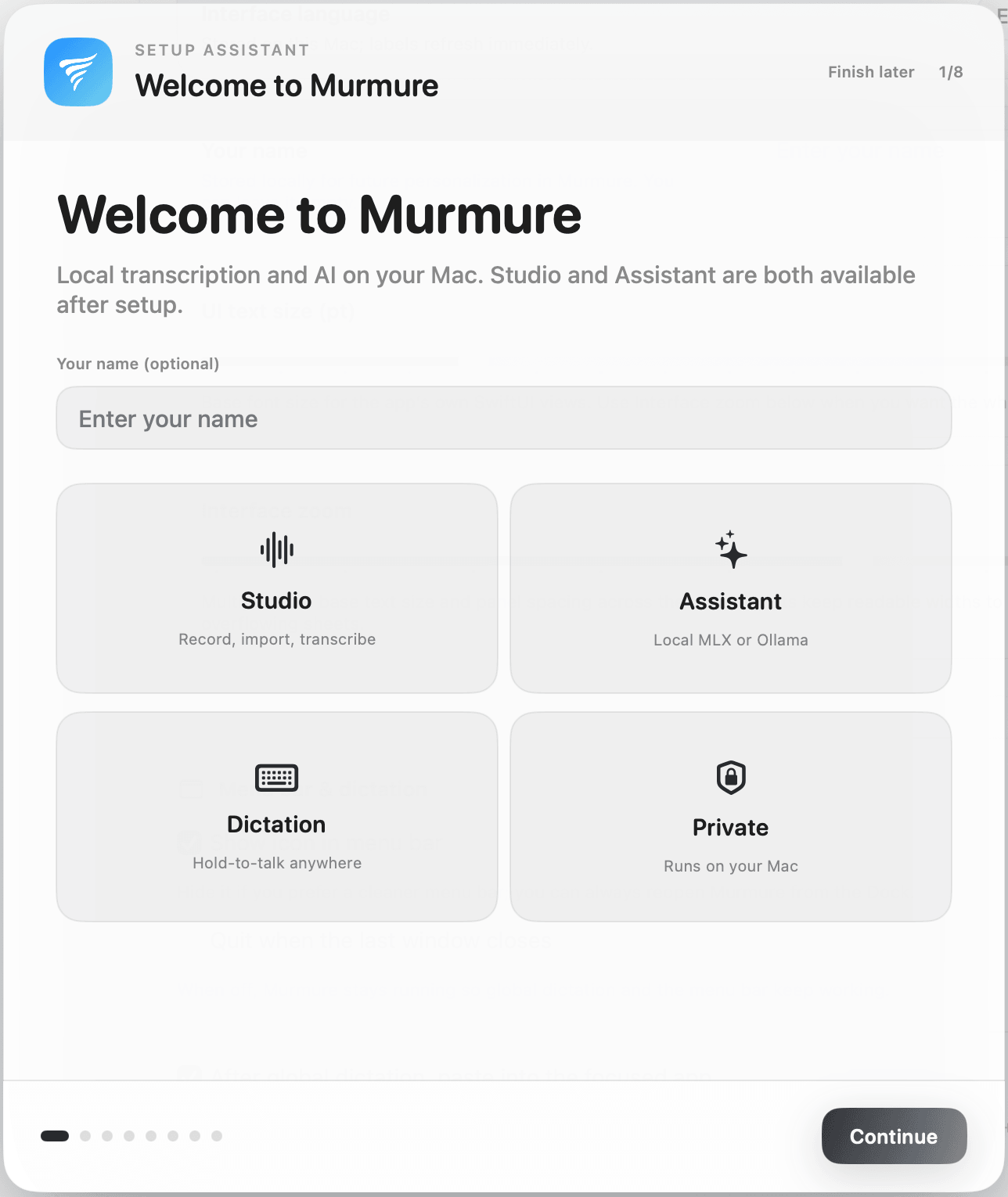
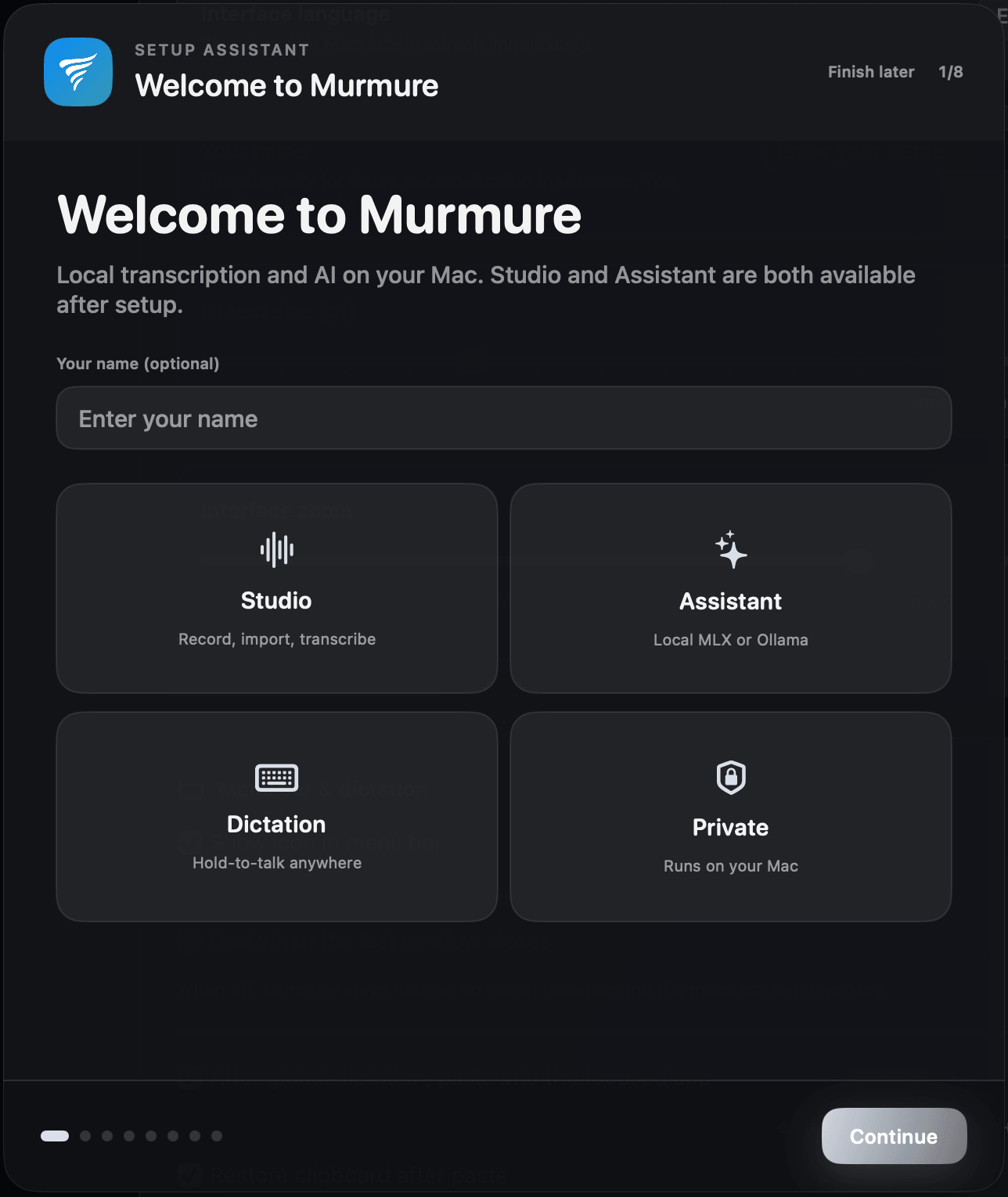
Guided first launch
Permissions, dictation shortcut, quick test, all in one flow.
Local AI installs itself
On startup, Murmure downloads what it needs to your Mac. Skip and continue if you prefer.
Finish on your schedule
Optional steps stay optional. Pick up setup anytime in Settings.

One shortcut, every app
Stay in the app you’re using. No hopping between windows.
Text where you type
Murmure can paste the transcript straight into the active field.
Nothing sent to the cloud
Dictation is processed on your machine, like everything else in Murmure.
Murmure
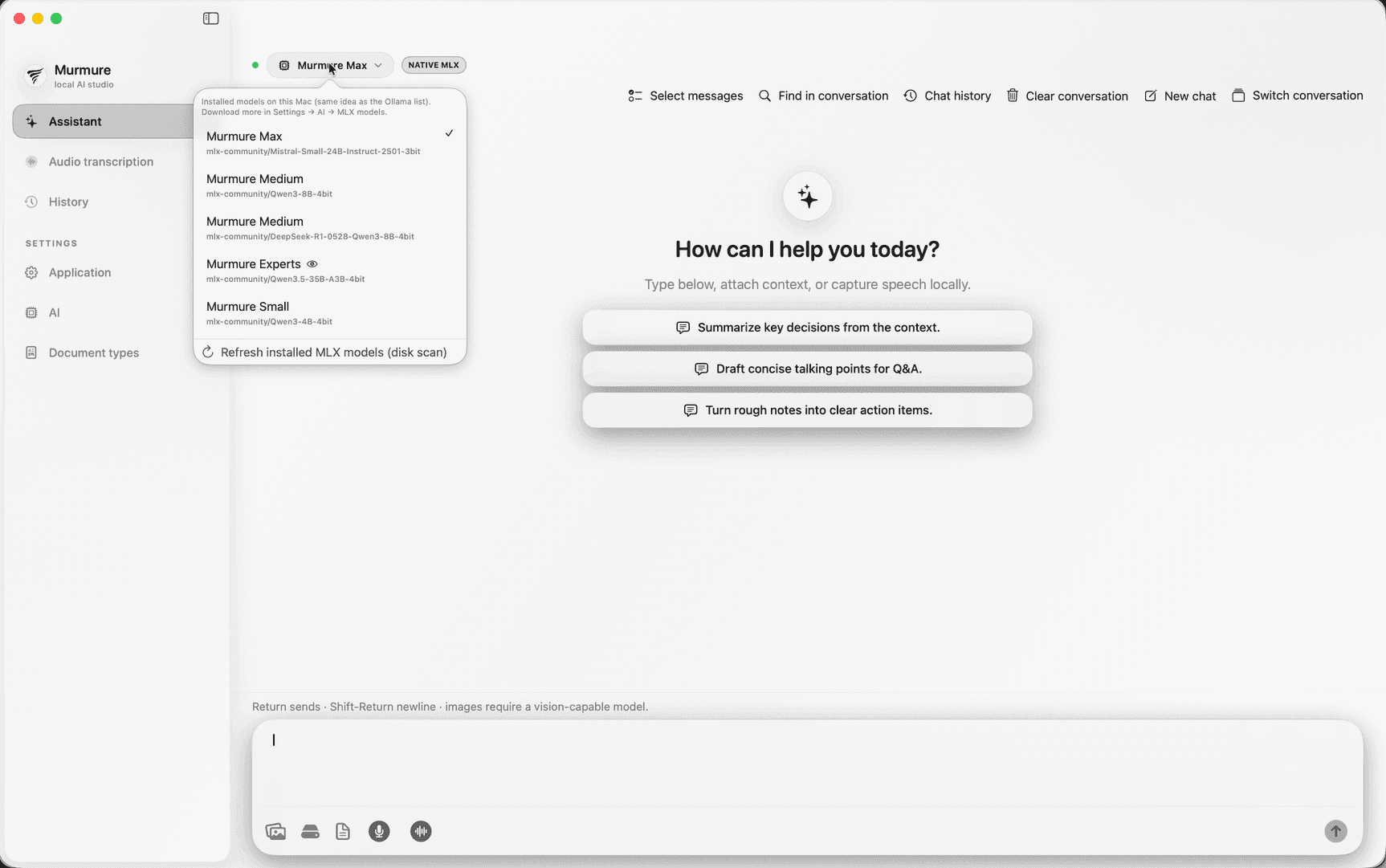
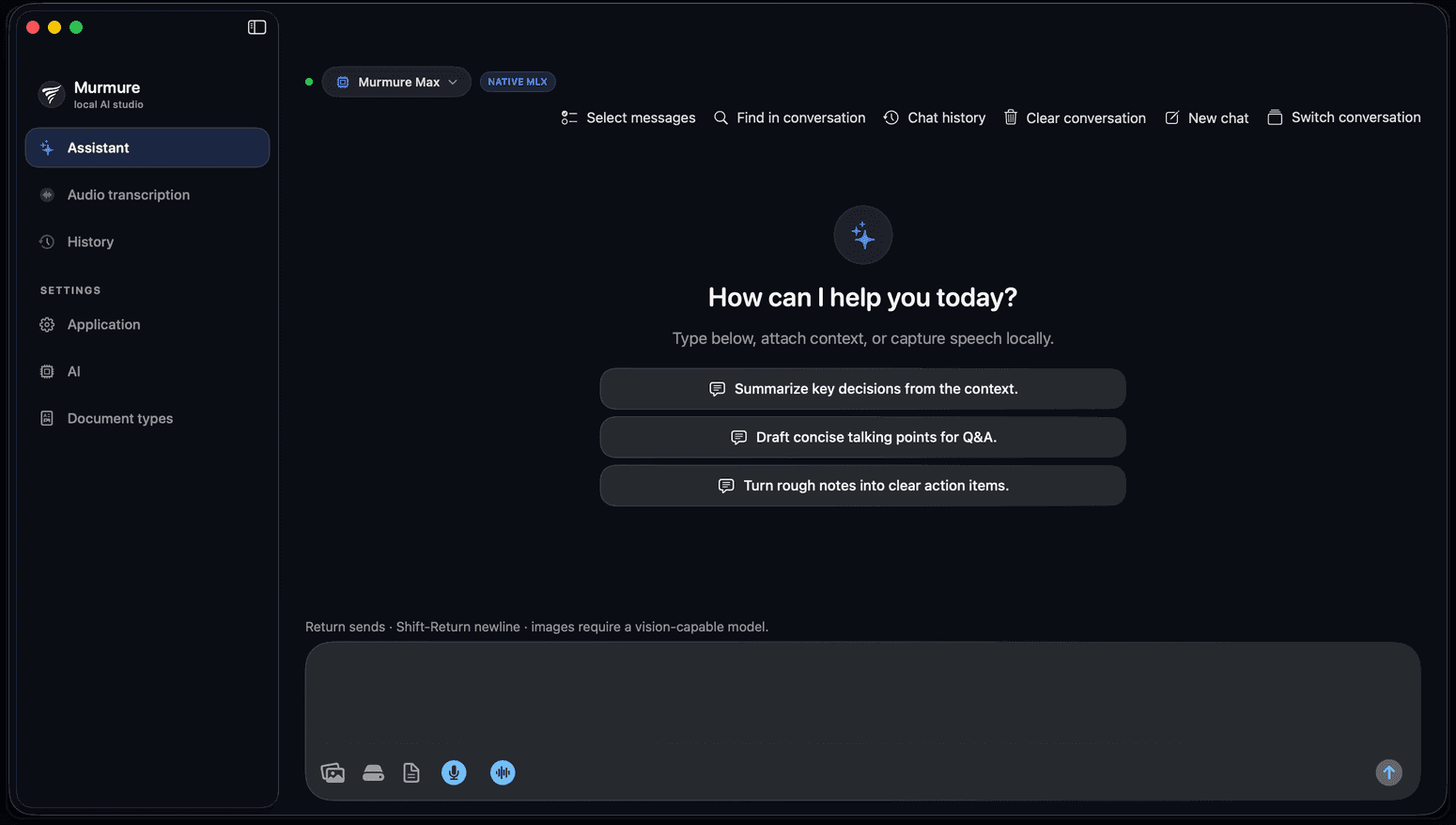
Dictate, capture, attach files and images, and chat. Answers pull from your transcripts and from the files you indexed.
Studio
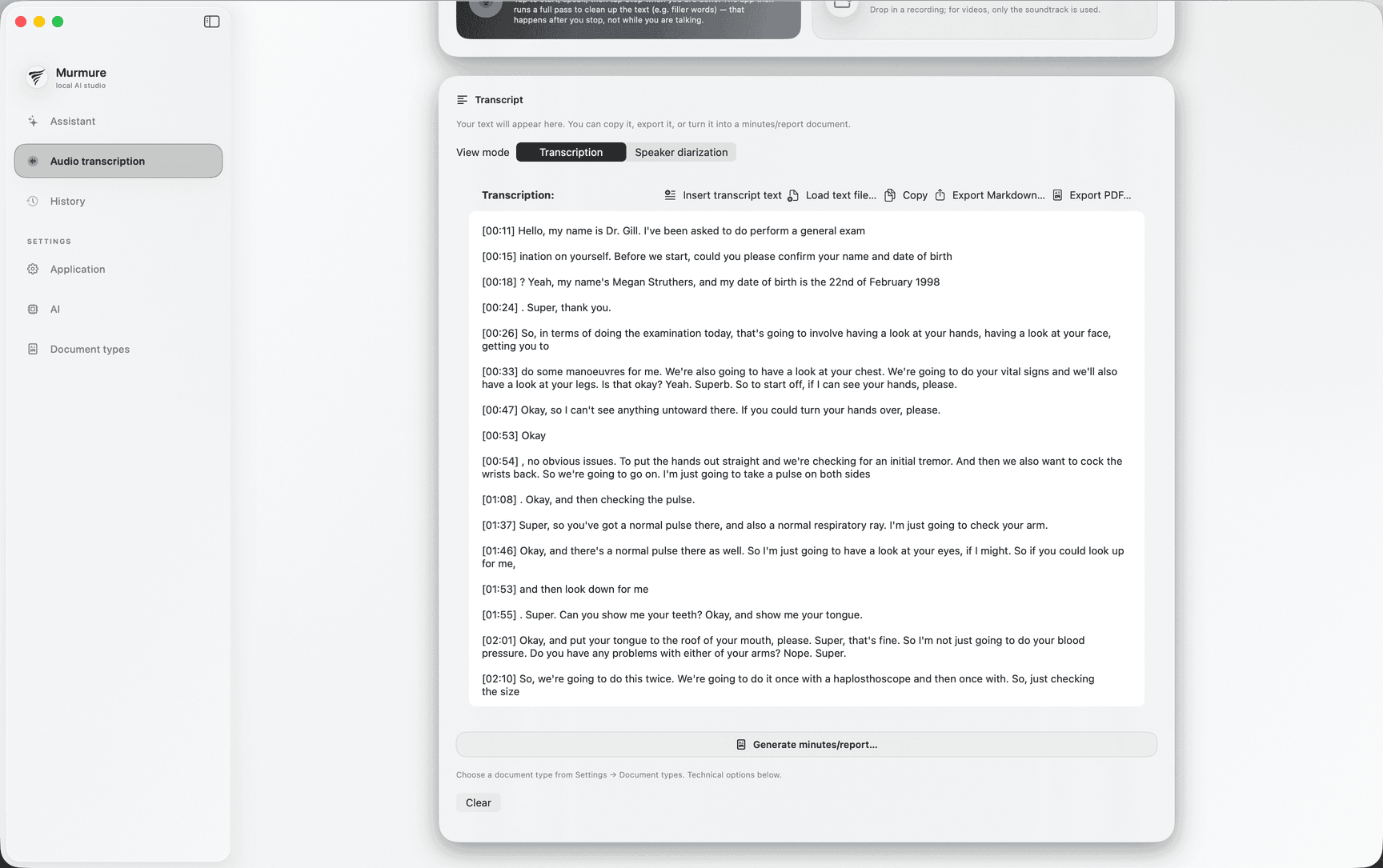
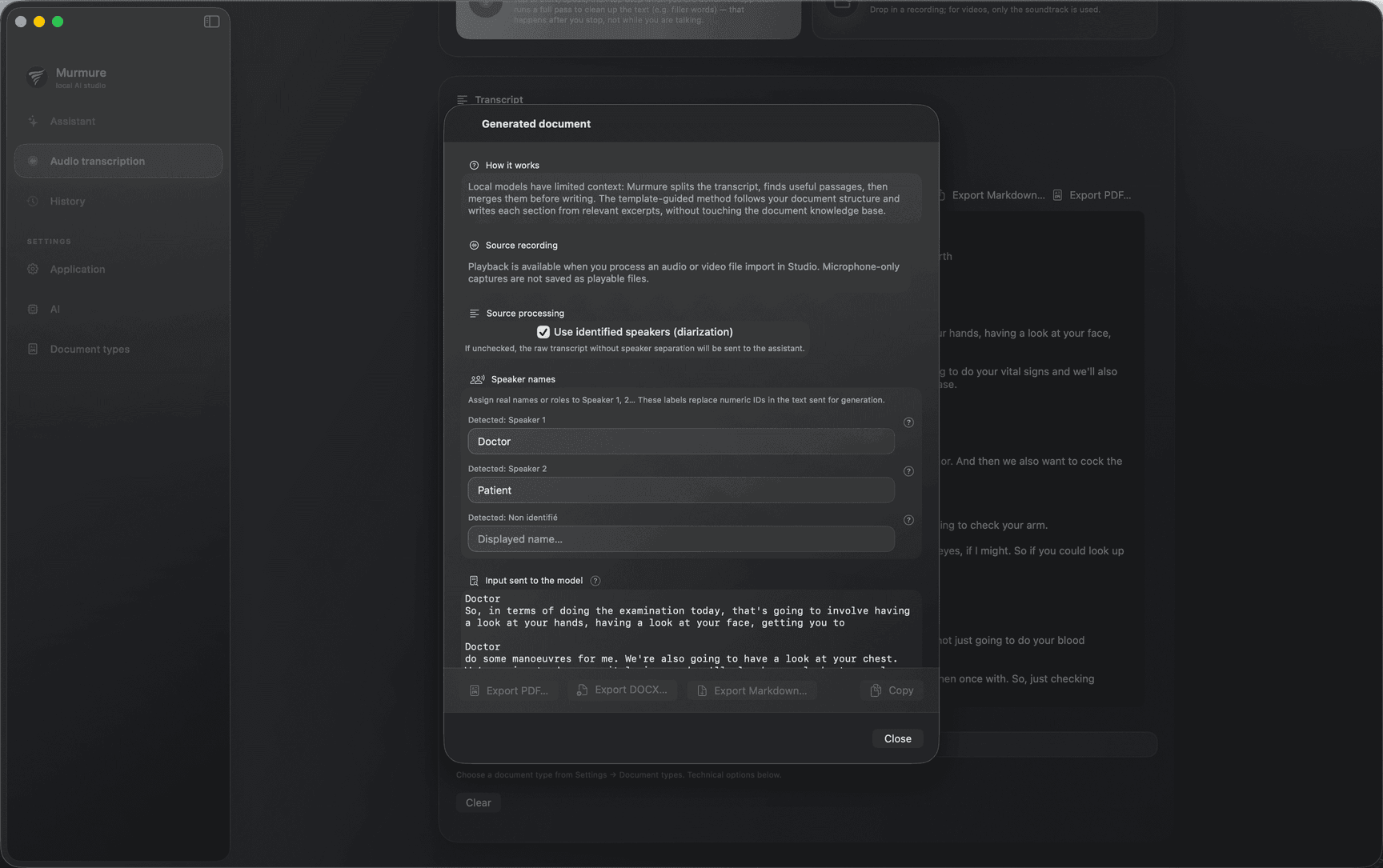
Import long audio or video soundtracks, run transcription jobs, open the document generator with presets for meetings, podcasts, interviews, legal-style notes, courses, standups, and more.
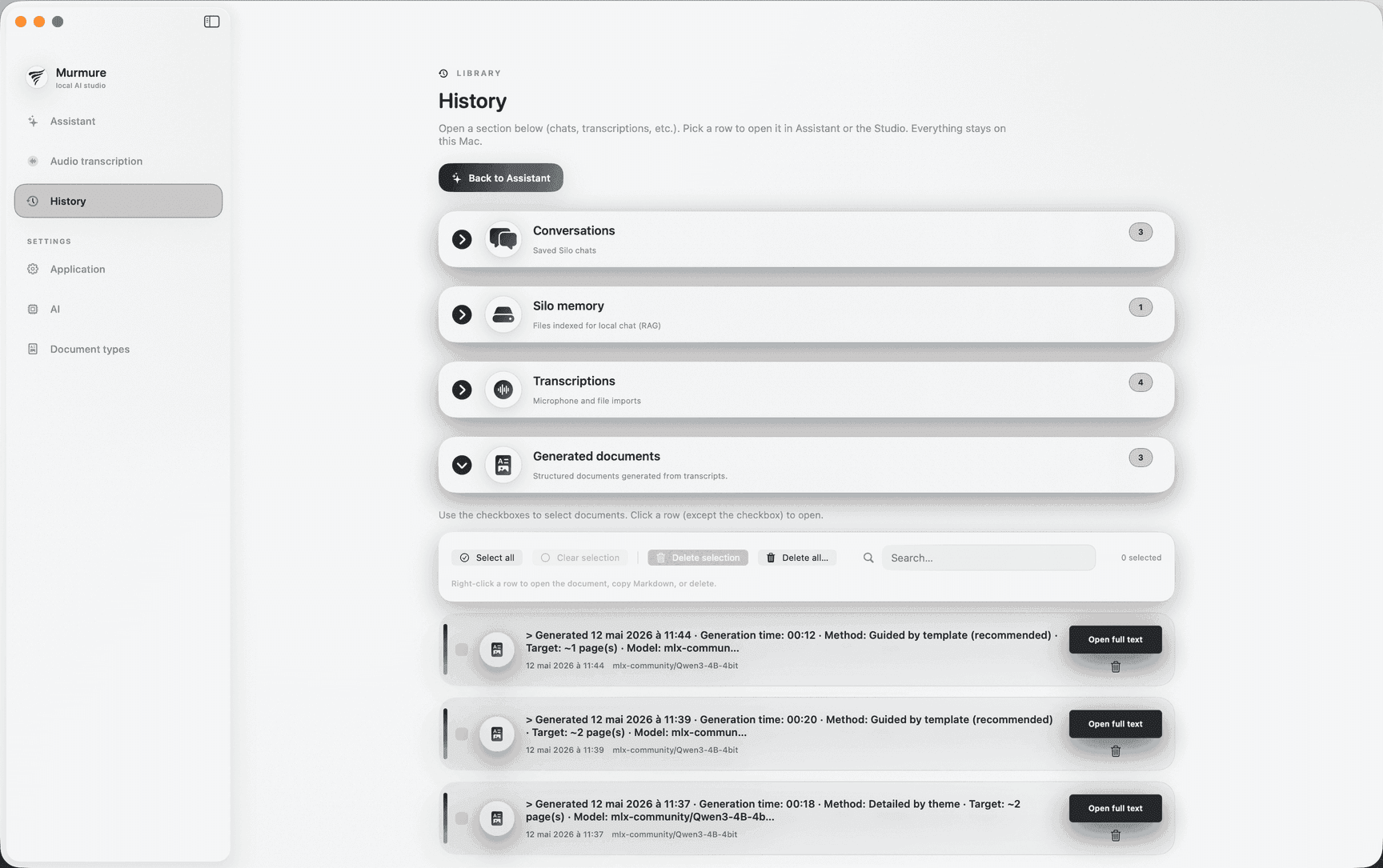
History
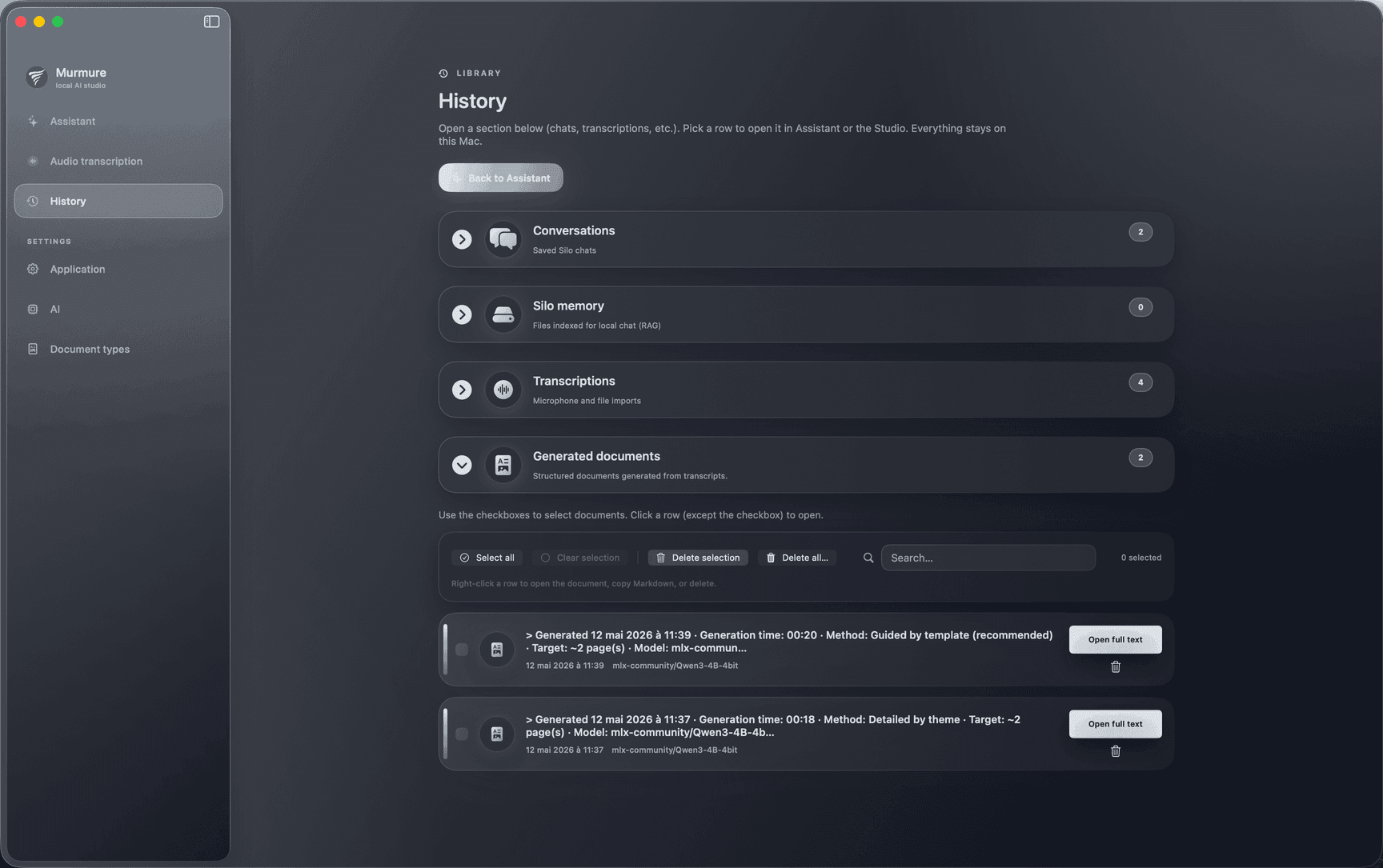
One screen holds saved conversations, files you indexed for chat, saved transcripts, and generated documents. This is where your work lands after capture.
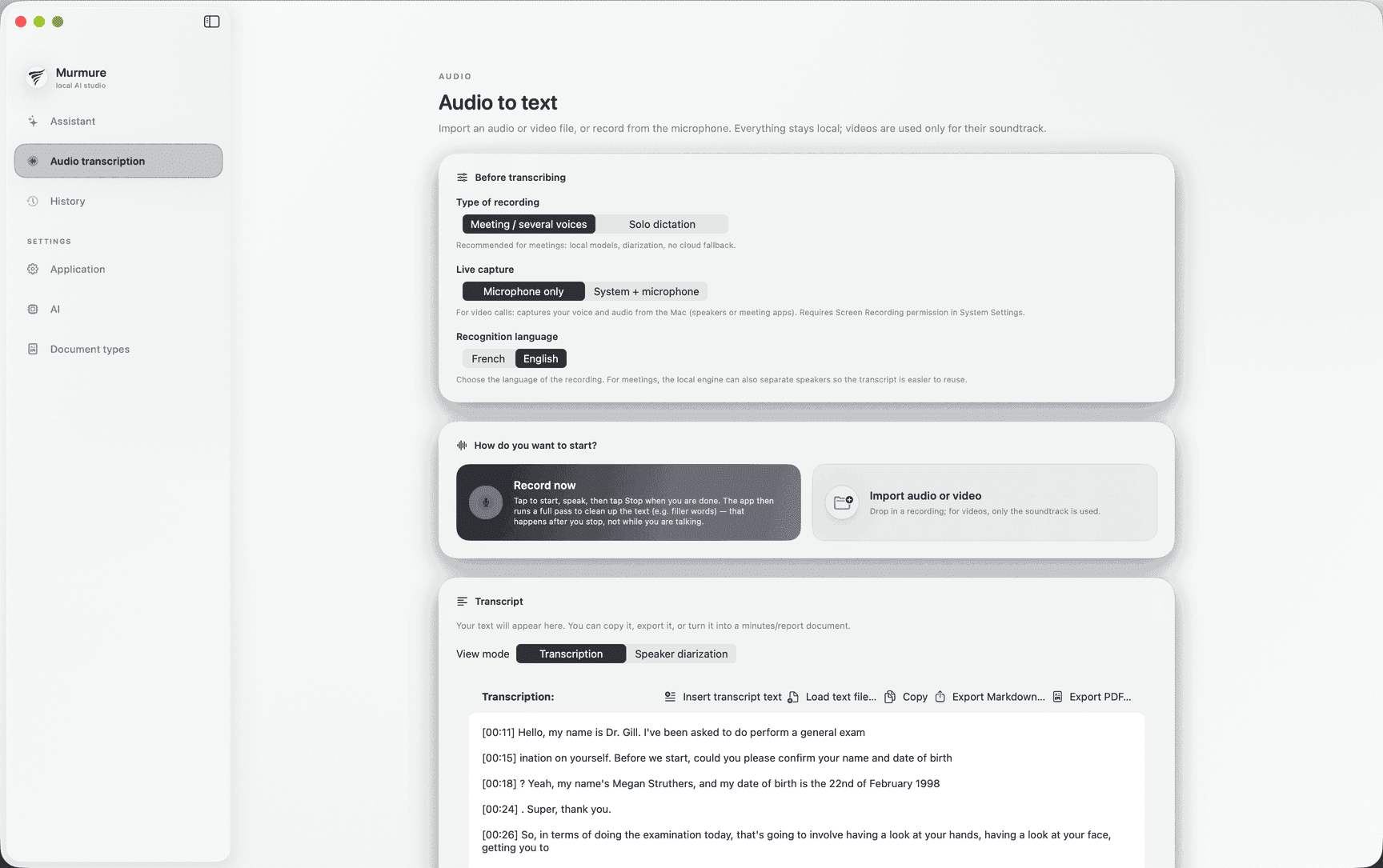
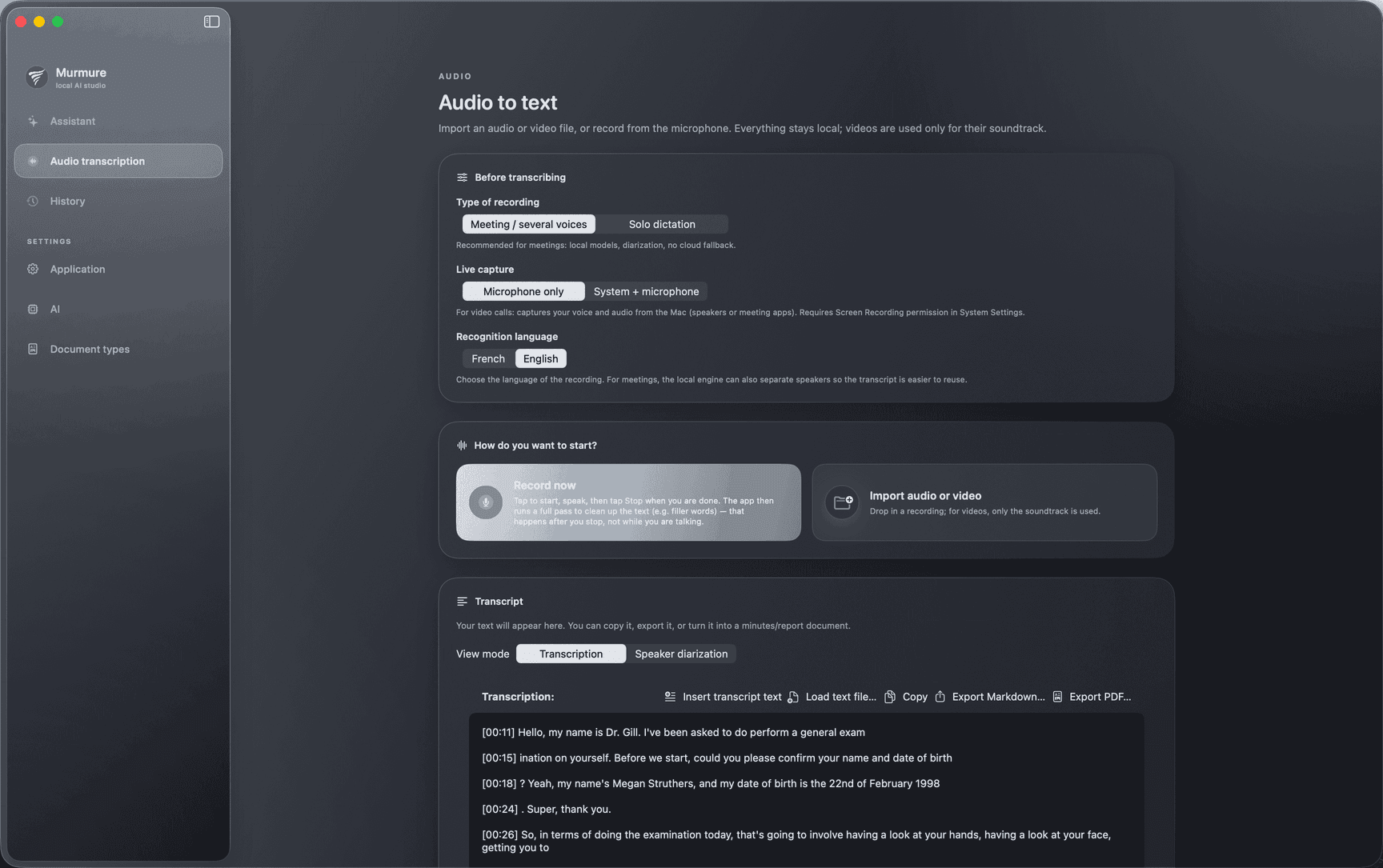
Microphone and imports
Record from the mic or import audio and video soundtracks and decode them locally.
System audio and microphone
Capture what plays through the Mac's speakers or your headset at the same time as your voice, ideal for calls or meetings that run through the computer. You remain responsible for the legal framework and consent.
Fast path with Apple speech
Use Apple’s on-device speech pipeline when you want speed for lighter capture and solo dictation.
Heavier path for long material
Run the deeper transcription workflow when you need multiple speakers and speaker labels when available. French and English are the focus languages on this path.
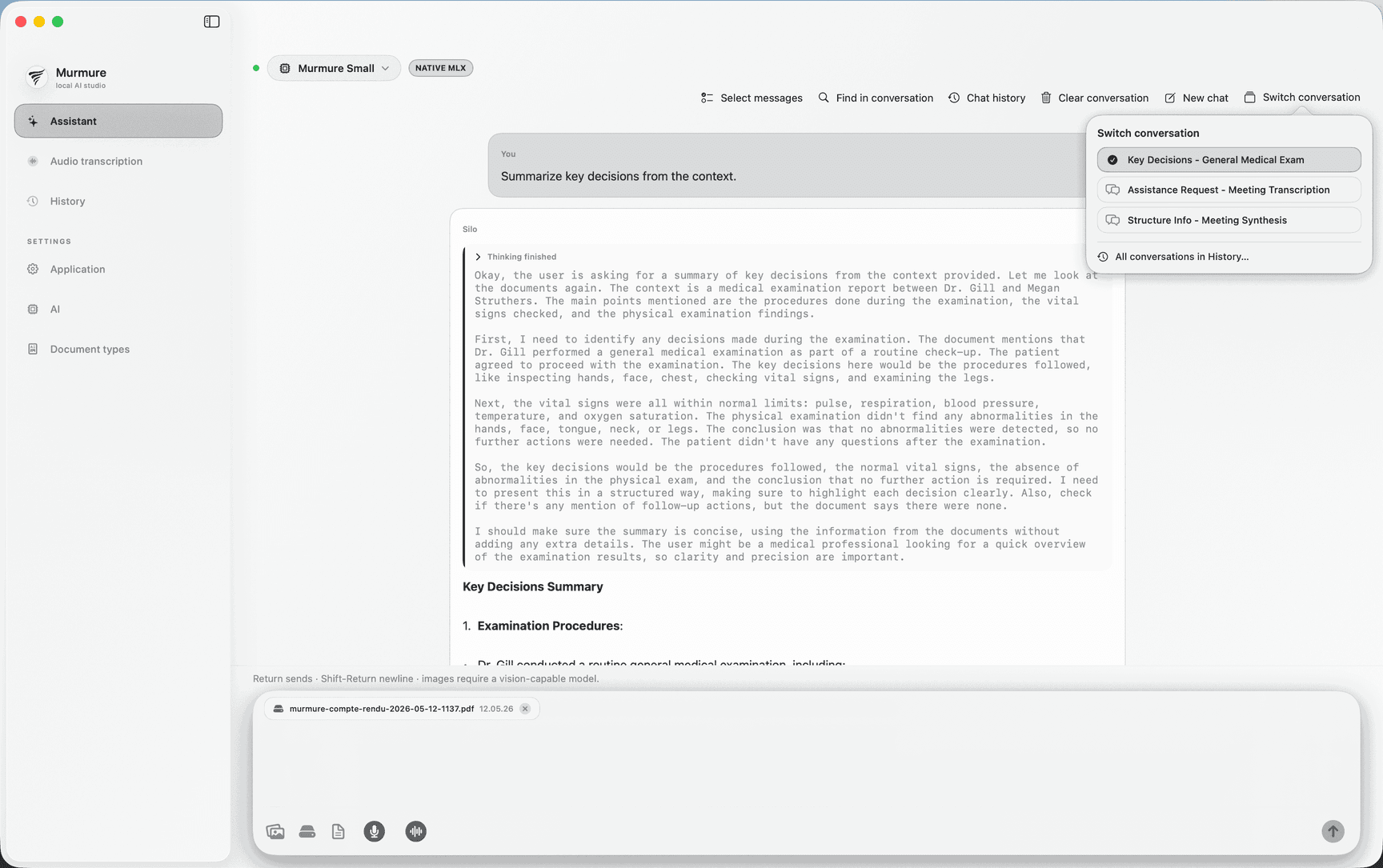
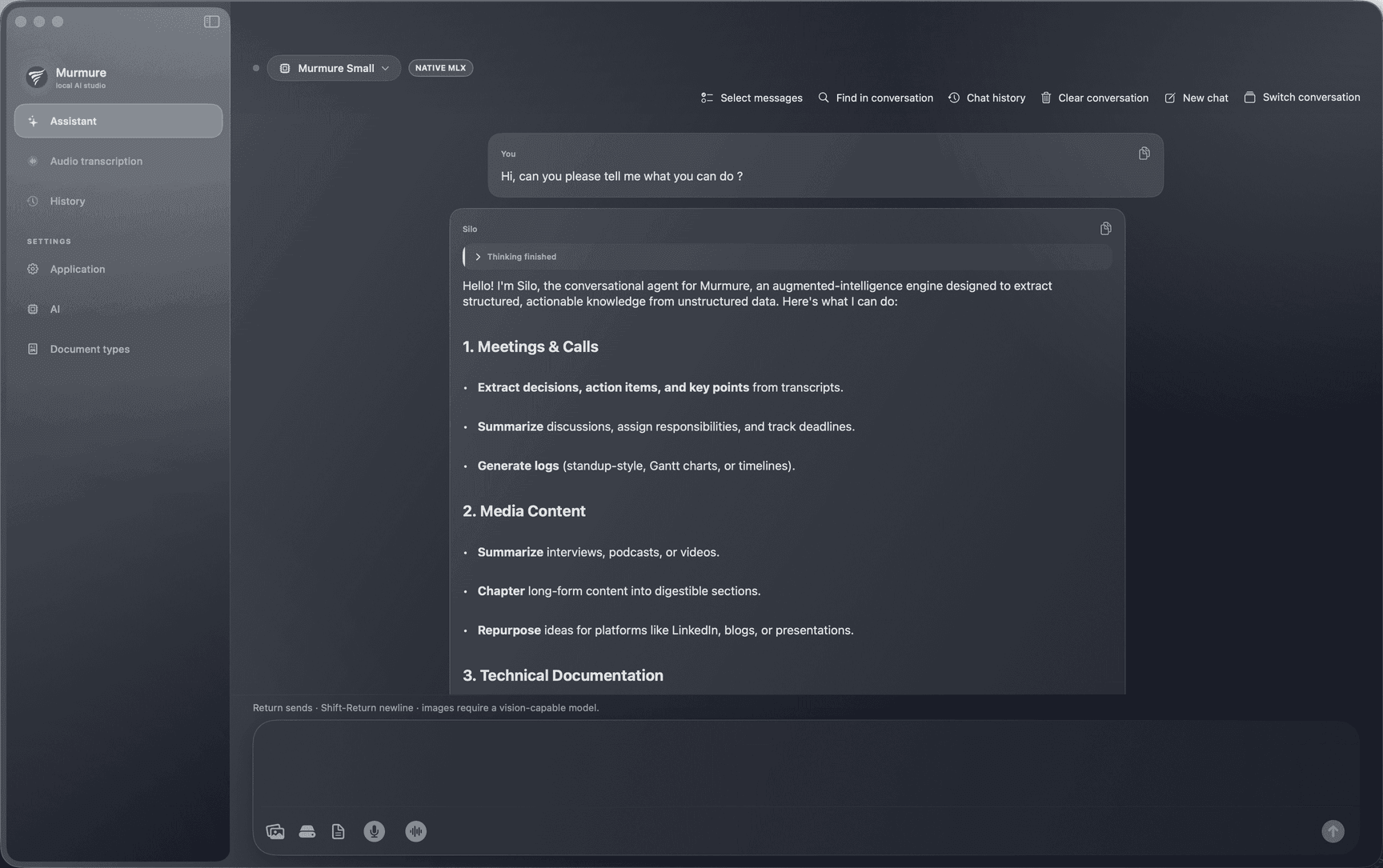
Index what matters
Attach PDFs and images, include technical files where supported, and build searchable context over your transcripts on disk.
You stay in control
You decide what is indexed. Answers that use your files stay on your Mac.
Ask across sources
Chat uses transcripts and indexed files together so you search across your own library instead of hopping folders.
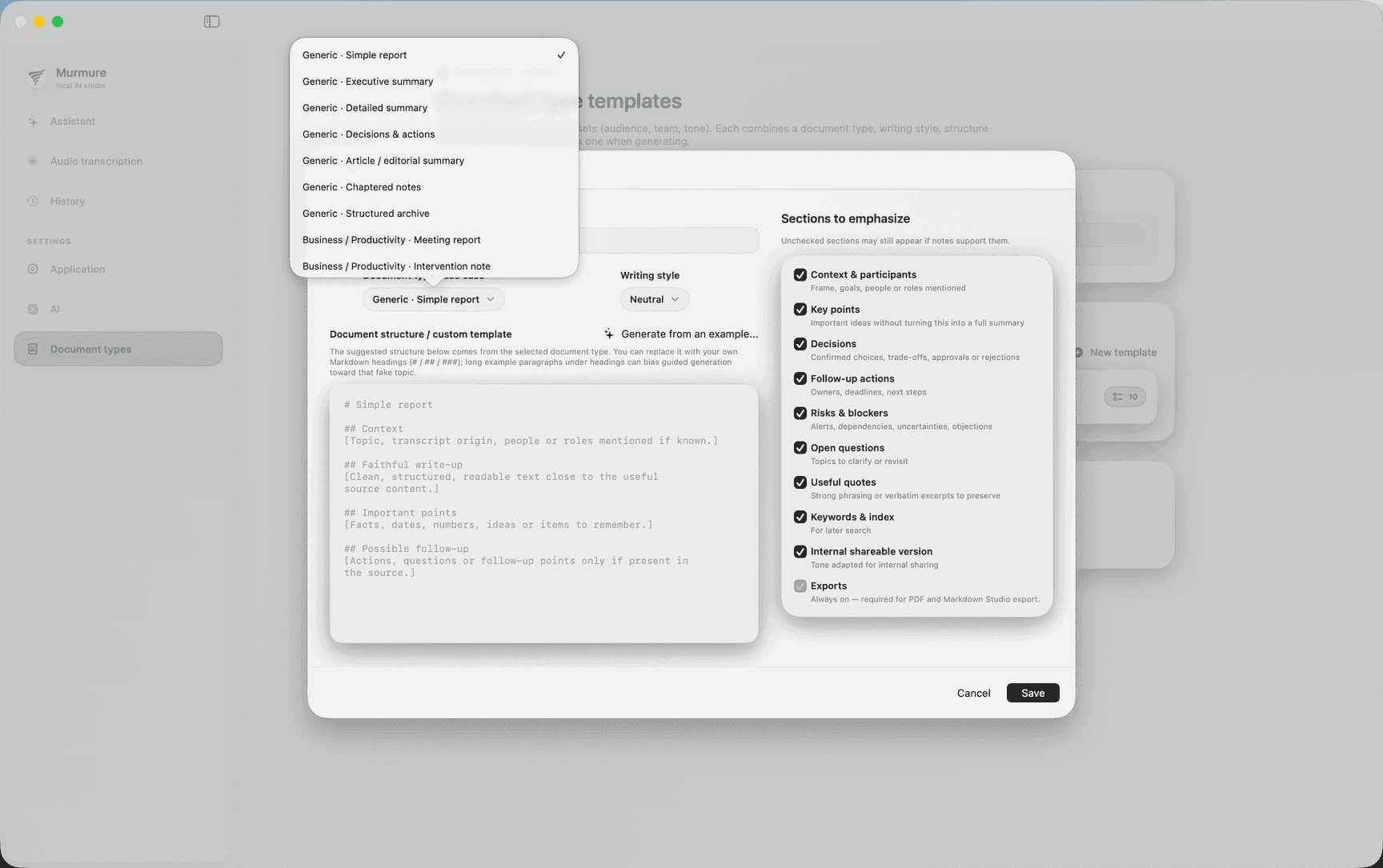
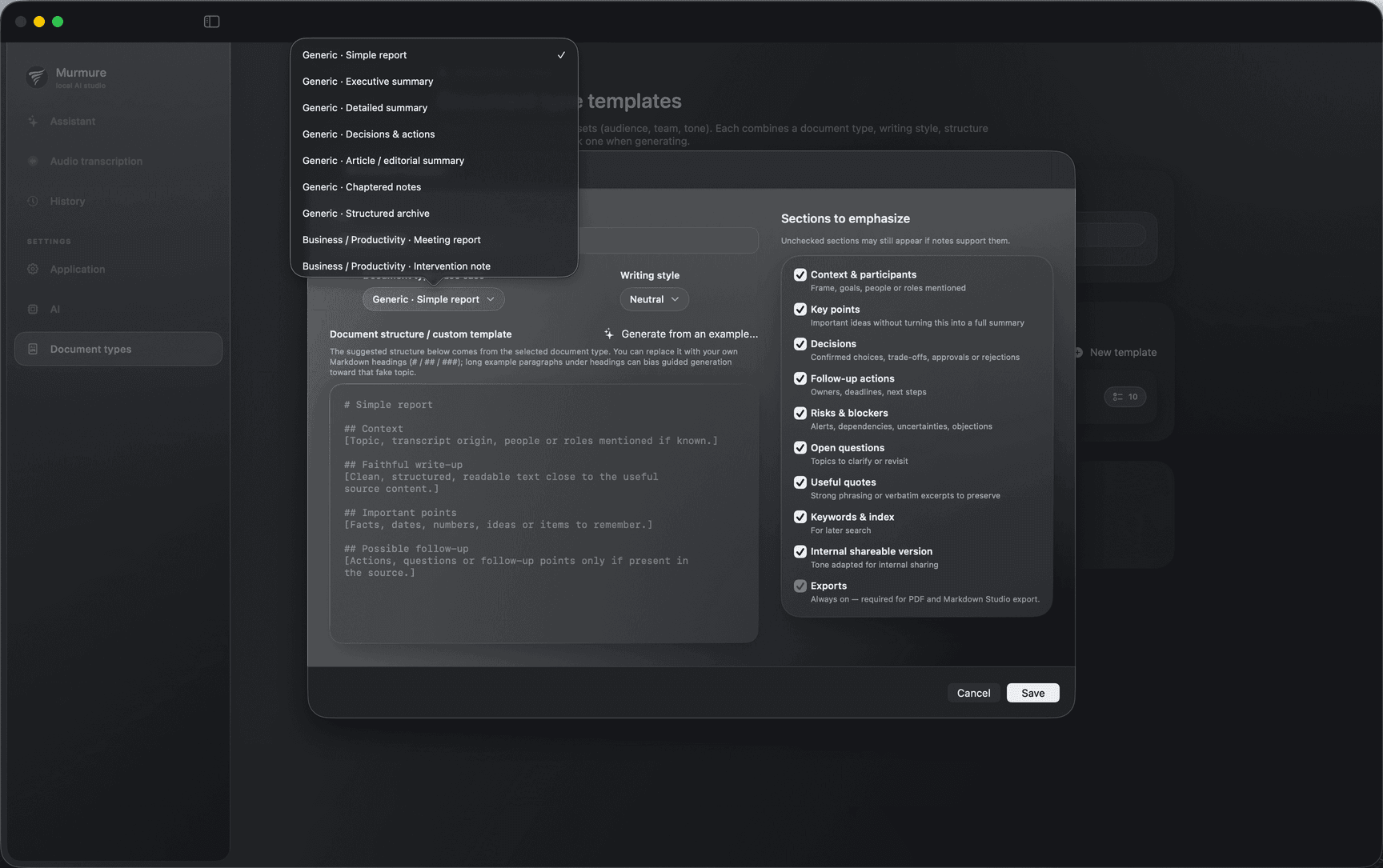
Presets by situation
Meetings, podcasts, interviews, legal-style notes, courses, standups, and more come as starting points, not a single minutes template.
Sections you can turn on
Pick pieces such as decisions, actions, risks, quotes, open questions, and other blocks depending on preset.
Very long recordings
Generation can favor quality or speed on long files. Performance varies by Mac model, memory, storage, and how many features you run at once.
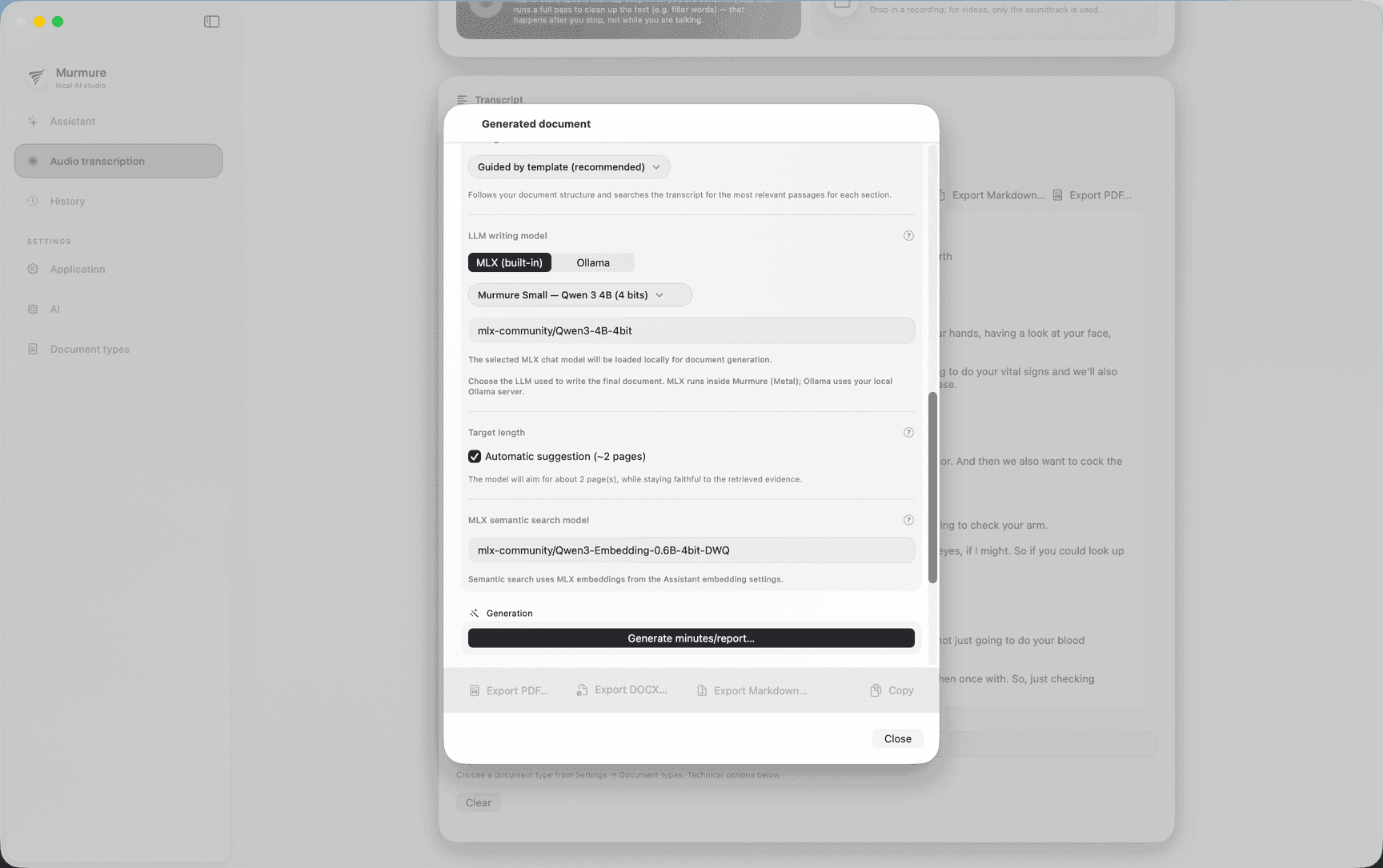
Markdown
Plain-text formats that fit note-taking workflows and repos.
Fixed-layout copies for reading and sharing outside the app.
Microsoft Word
Word-style .docx for edits and circulation in Office workflows.
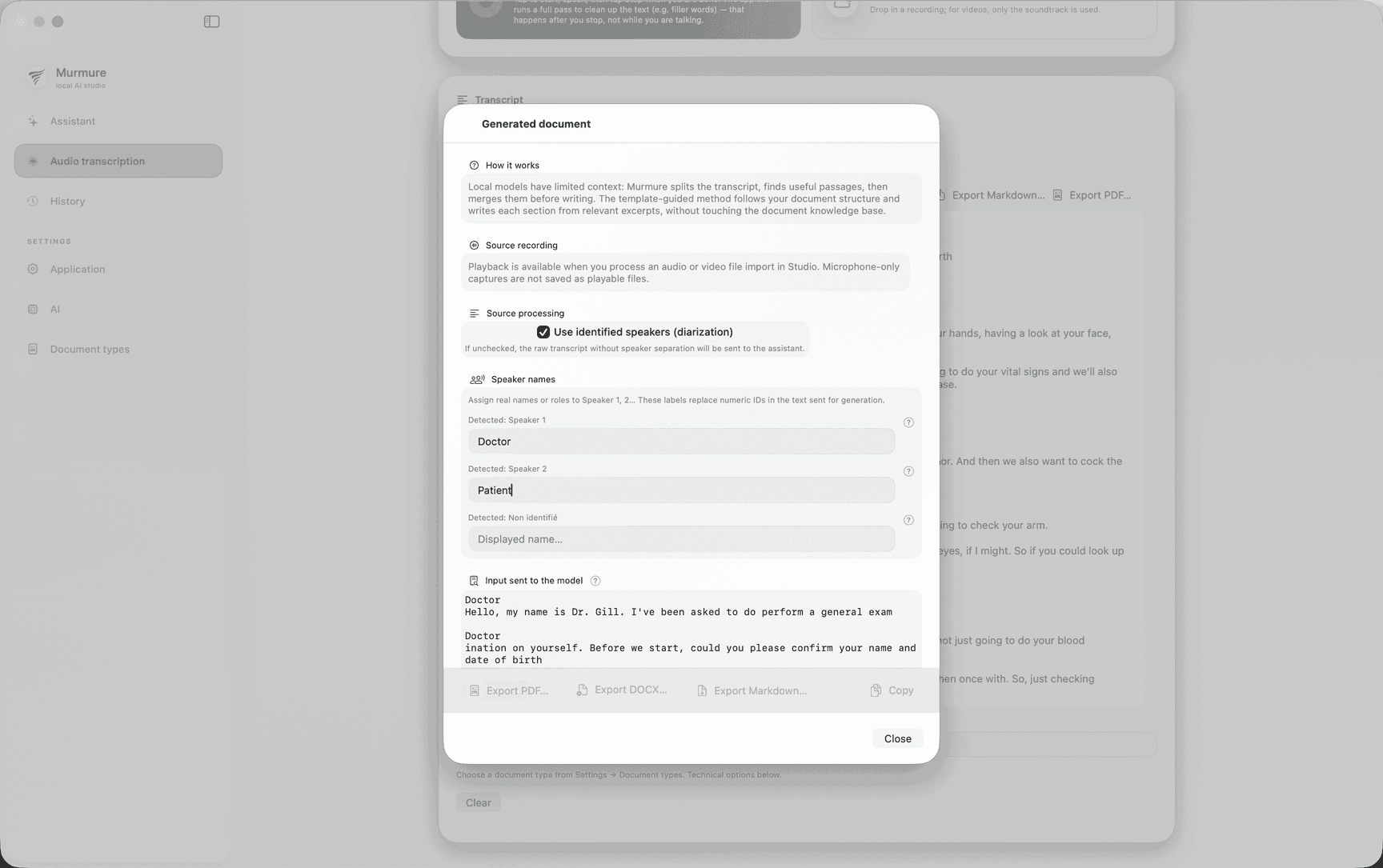
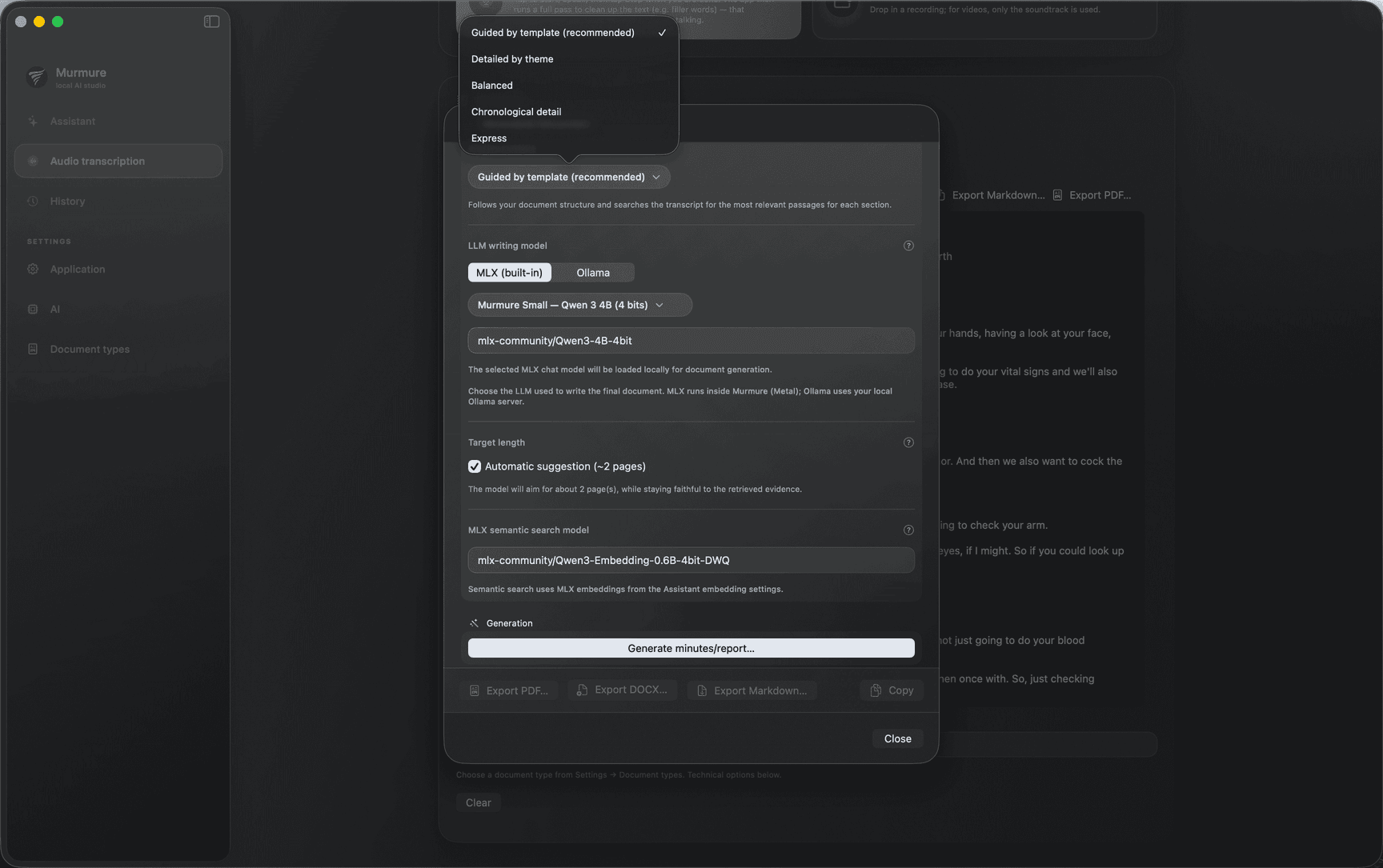
Capture
Record from the mic, import media, or capture system audio where appropriate. Everything lands in your Mac workspace.
Analyze
Transcribe with the path you need, index files you trust, and ask questions tied to real sources.
Deliver
Generate structured writeups, tune sections, then export to Markdown, PDF, or Word.
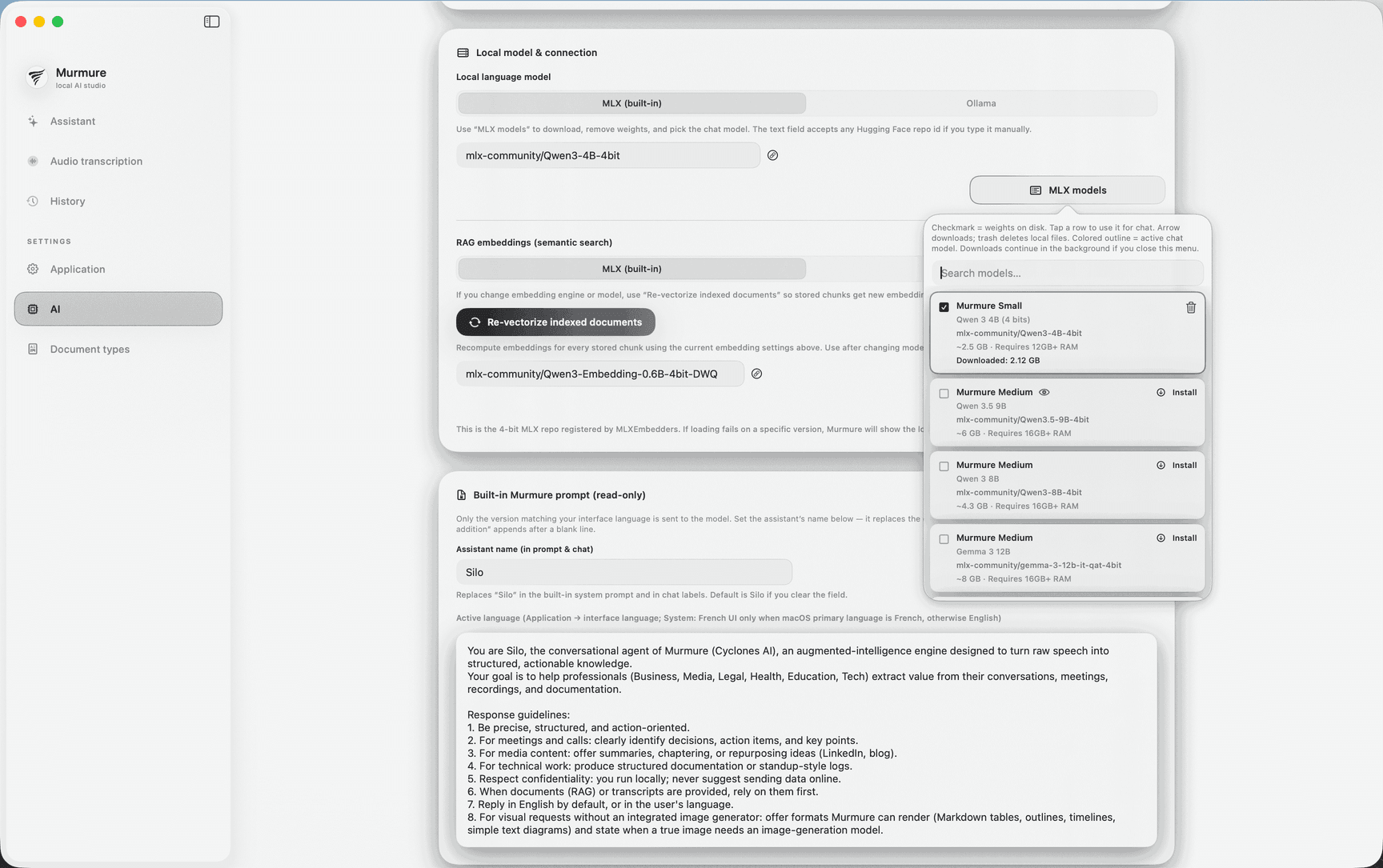
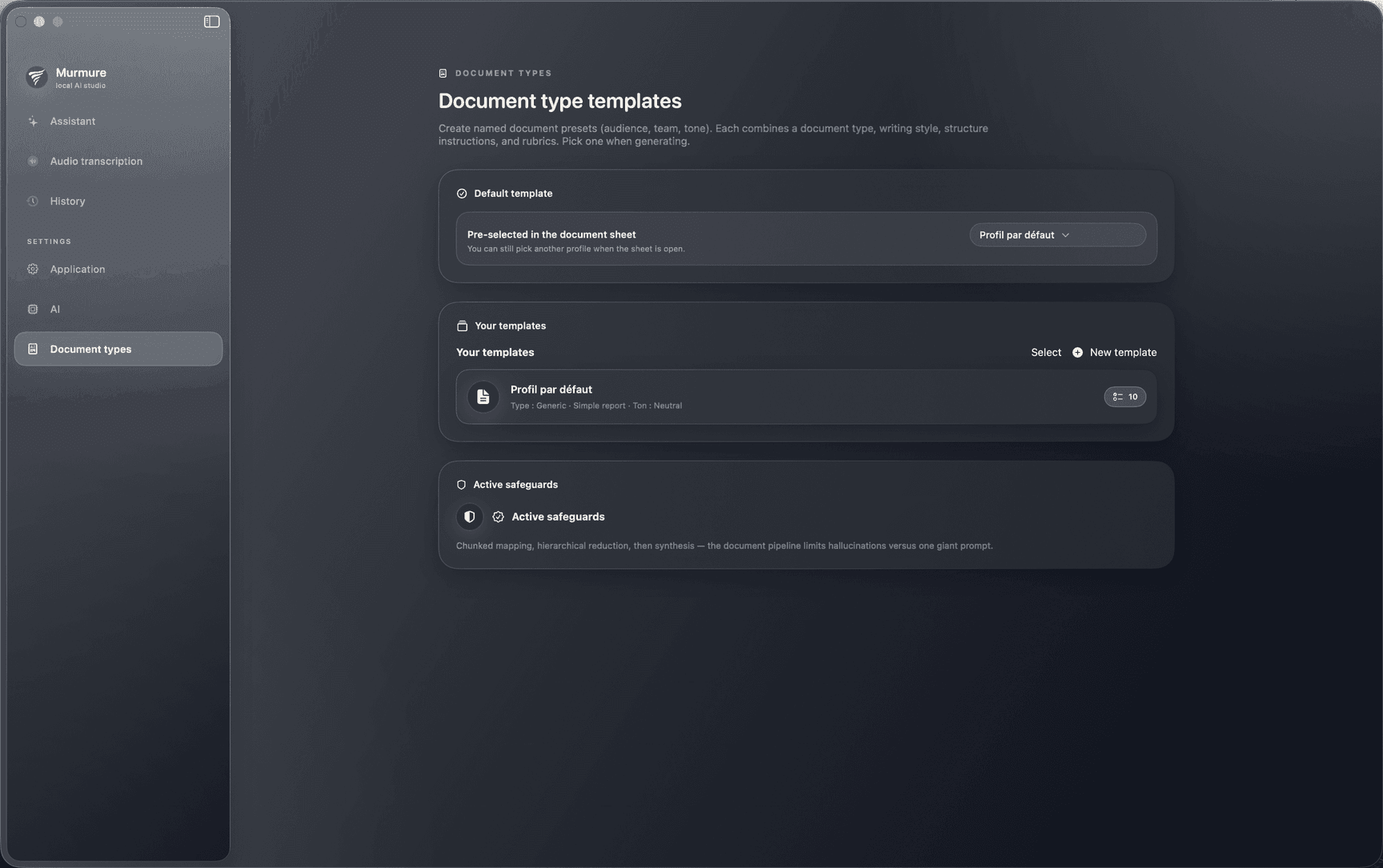
Sensitive data detector
Optional local MLX privacy-filter model. After the first download it stays on this Mac and can be reused without downloading again.
Model: mlx-community/openai-privacy-filter-4bit
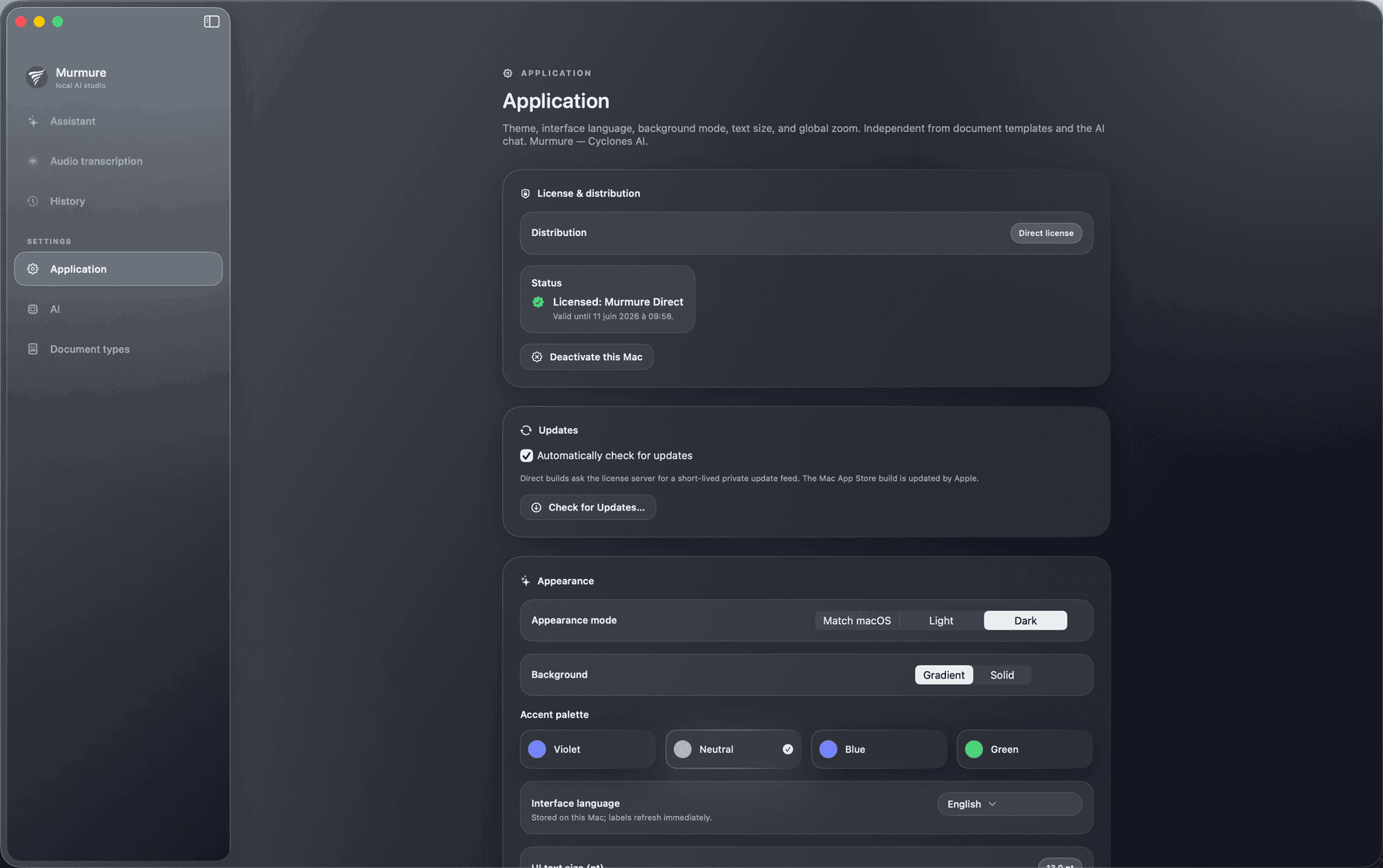
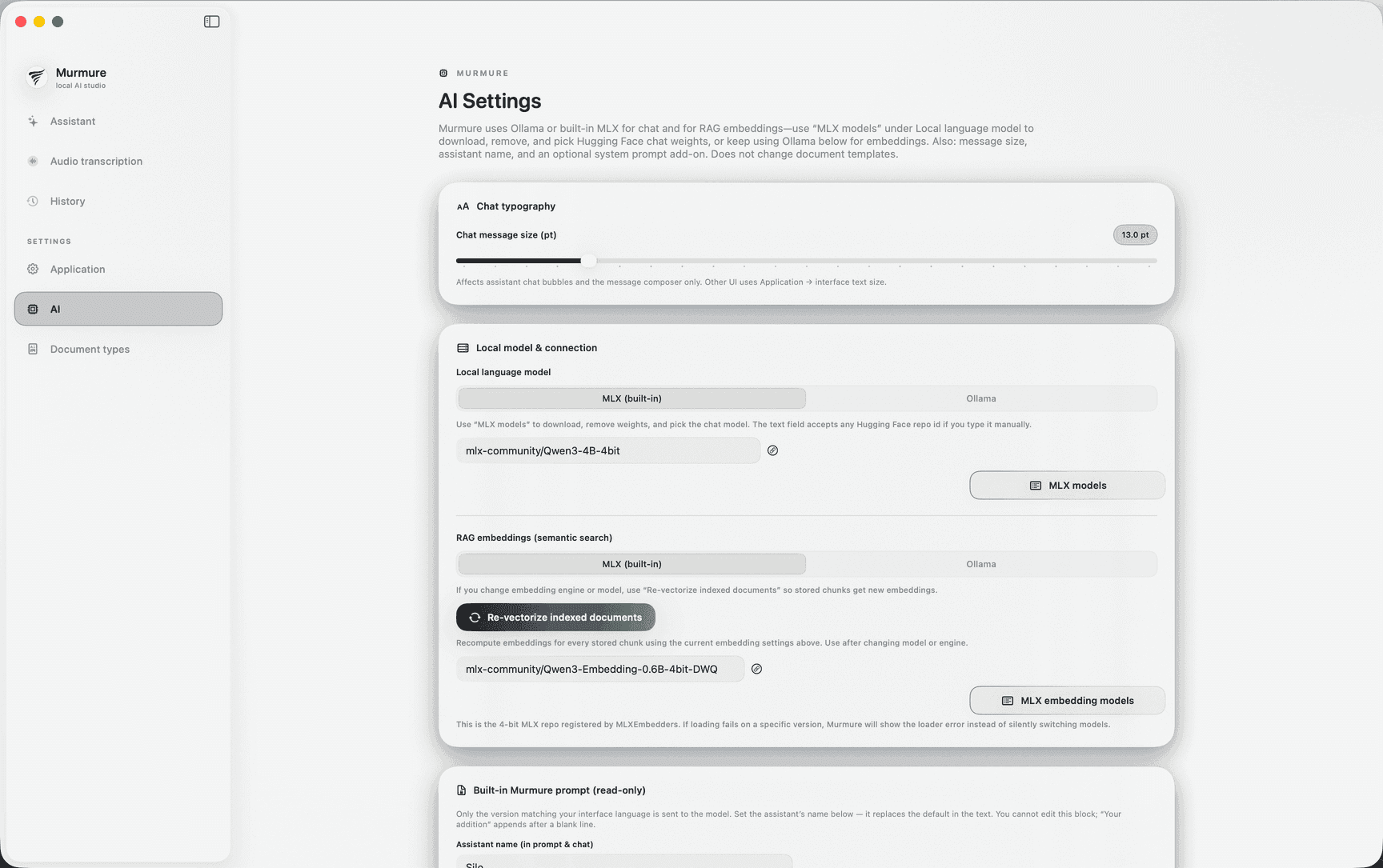
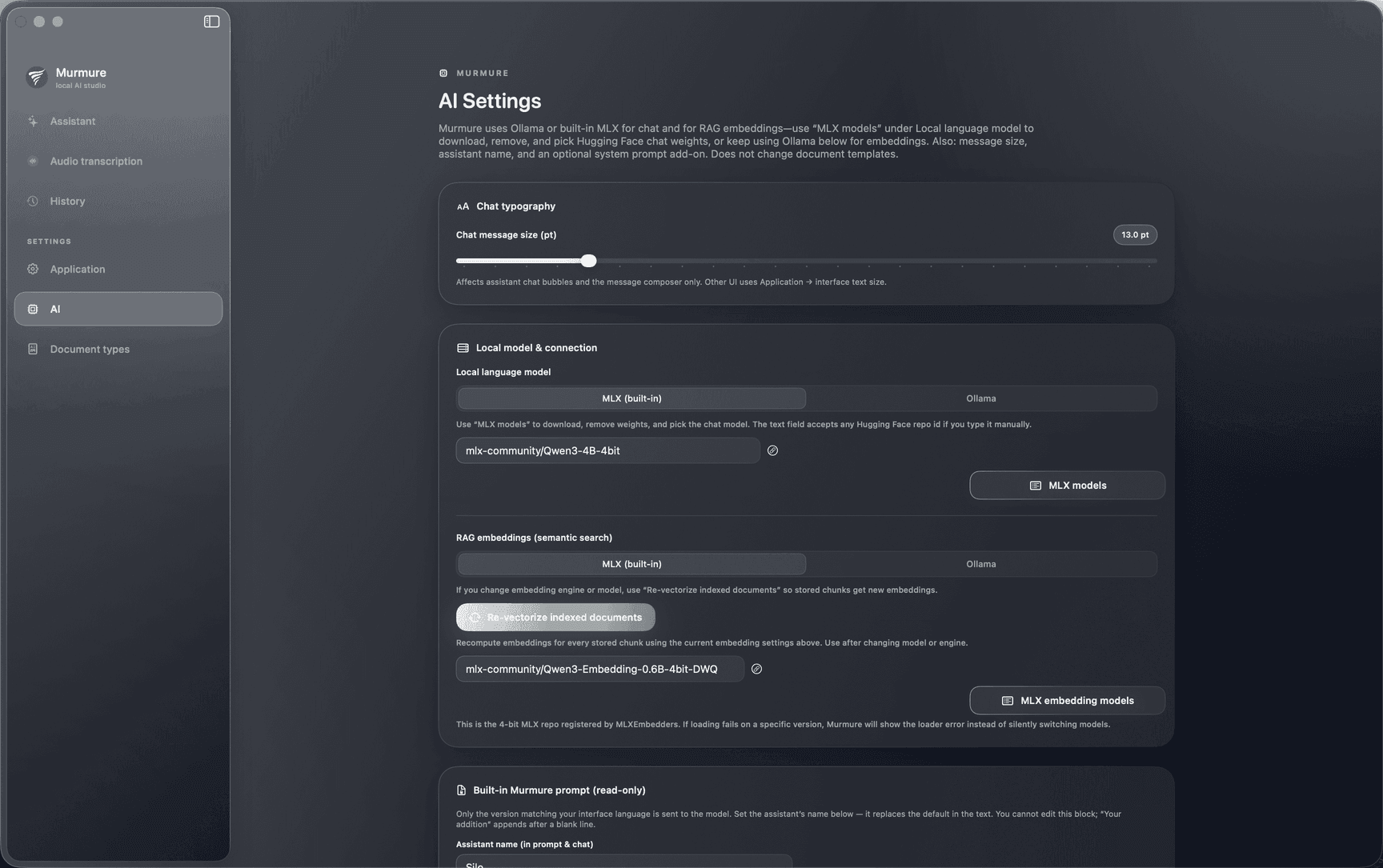
Preview of Murmure settings on macOS: pre-install, refresh, and remove are handled inside the app.
Why it can be important
Spotting emails, identifiers, or other sensitive cues early in transcripts and drafts reduces accidental hand-offs: fewer paste-into-the-wrong-channel moments, and a clearer review pass before you share. The model stays on your Mac; it supports vigilance, not legal proof.
When it applies
Available from Murmure settings on macOS after you explicitly download the MLX filter. Most useful when you index documents and work with personal or regulated topics; skip it, refresh status, or delete the model anytime to reclaim disk space.
Apple Silicon first
Recent Macs combine the Neural Engine and unified memory, ideal for voice and on-device AI. Murmure builds on that architecture, bringing together the secure enclave, FileVault encryption, Touch ID, and macOS sandboxing to isolate applications and protect sensitive data.
Privacy aligned with your OS
Many companies in regulated industries already rely on Apple's security architecture. Murmure processes confidential files locally, in a Zero Trust approach grounded in application isolation, native encryption, and the secure enclave on recent Macs.
Performance you can plan for
Local AI depends on RAM, thermals, and concurrent work. One platform means guidance on chip tier and memory reflects reality, with fewer gaps between machines than a lowest-common-denominator port.
Swiss product discipline
Cyberesia builds in Geneva for buyers who need transcripts and drafts under their control. A macOS-only scope keeps engineering focused on confidentiality-first workflows instead of broad compatibility targets.
Own the app. Pay once.
Buy an individual license today or talk to us about enterprise deployment and volume needs.
- Apple Silicon Mac (M-series chip) required. macOS Sequoia (15) or later. Install macOS updates while Apple still ships them for your model.
- 16 GB unified memory recommended when you run transcription, chat, indexing, and long documents together.
- Performance varies by chip generation, RAM, storage, and how many features you run at once.
- About 8 GB free disk space recommended for the default LLM (~4.6 GB), local caches, and extraction headroom; allow roughly 1.5 GB more if you enable the optional MLX privacy filter.
Individual license
Launch offer – limited timeMurmure for Mac
One-time payment. App and two years of updates included.
This limited-time launch offer bundles the app with two years of updates for a single payment, instead of 289 CHF per year at the standard rate.
Compatibility
- macOS Sequoia (15) or later
- Mac with Apple Silicon M-series chip (required). Intel-based Macs are not supported
- 16 GB or more unified memory recommended when you combine transcription, indexing, and long documents
- About 8 GB free disk space for bundled AI models (default LLM ~4.6 GB) plus system headroom; the optional MLX privacy filter adds roughly 1.5 GB once downloaded
- Internet connection for first download and app updates
Included
- Murmure, Studio, and History
- Microphone capture, file import, system audio plus mic where available
- Fast Apple speech path and heavier multi-speaker path
- Index your files for grounded chat and search on disk
- Preset structured documents with selectable sections
- Markdown, PDF, and Word export
- Heavier transcription path with French and English as primary languages
Power users
- Optional local AI tools you install for chat and retrieval
- Models that run inside the app on Apple Silicon
- Attachment-aware chat with images and documents
- Long jobs with quality or speed emphasis
- Modes that help with legal or clinical-style drafts you still review
Enterprise
Custom
Organizations with deployment or policy requirements.
Contact us for tailored licensing and enterprise paths: deeper integrations with organization-wide agentic AI rollouts, interoperability with third-party tools, alignment with the Cyclones AI suite, and support that matches your deployment and governance needs.
- Everything in the individual license
- Enterprise deployment, procurement, and policy-aligned options
- Deeper integrations for org-wide agentic AI programs and governed automation
- Interoperability with third-party tools and your existing workflows
- Pathways to align Murmure with the broader Cyclones AI suite
- Dedicated contact for rollout, integration, and qualified account discussions
Prices are shown in Swiss francs (CHF). You can pay in your currency; banks may apply conversion fees.